30-Second Quick Start Guide
FAQ
F 1: What should I do if it doesn’t display?
Q1 : Remove the screws at the back and check if the battery is loose. A loose battery can cause this problem, and you will need to re-secure it.
F2: What to do if your F15D screen goes black?
Q2:This black screen issue is likely caused by poor battery contact. You can try the following steps to fix it:
1、Use a screwdriver to remove the four screws and take off the back cover;
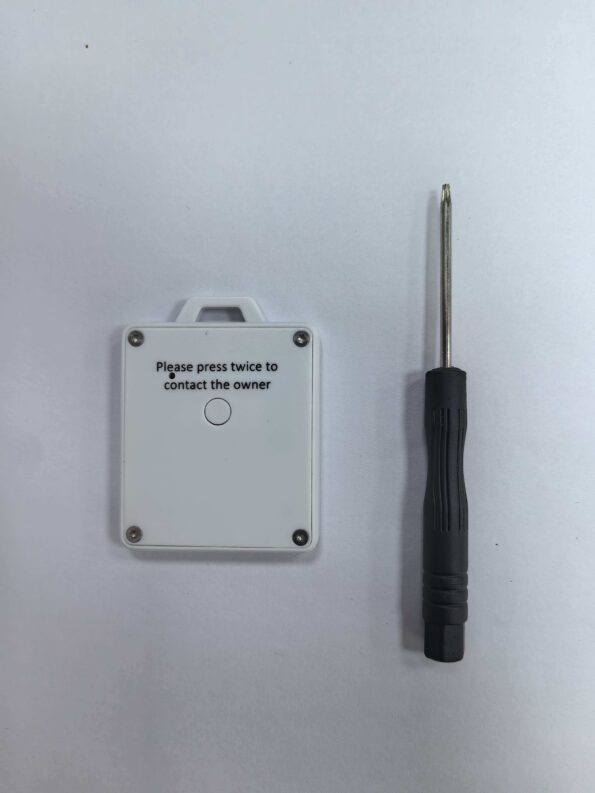
2、Find a thin piece of foam/paper and stick it to the back cover. If you don’t have foam, you can use other soft materials, such as tissue paper;
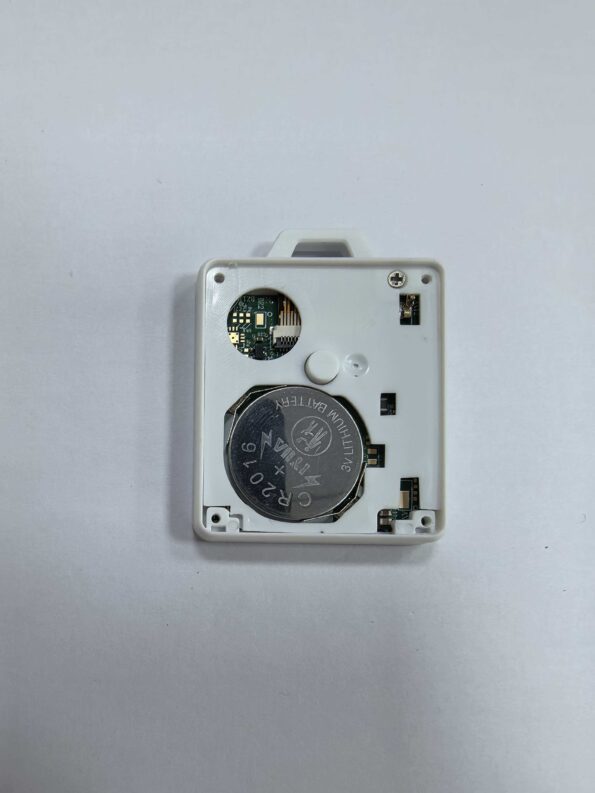
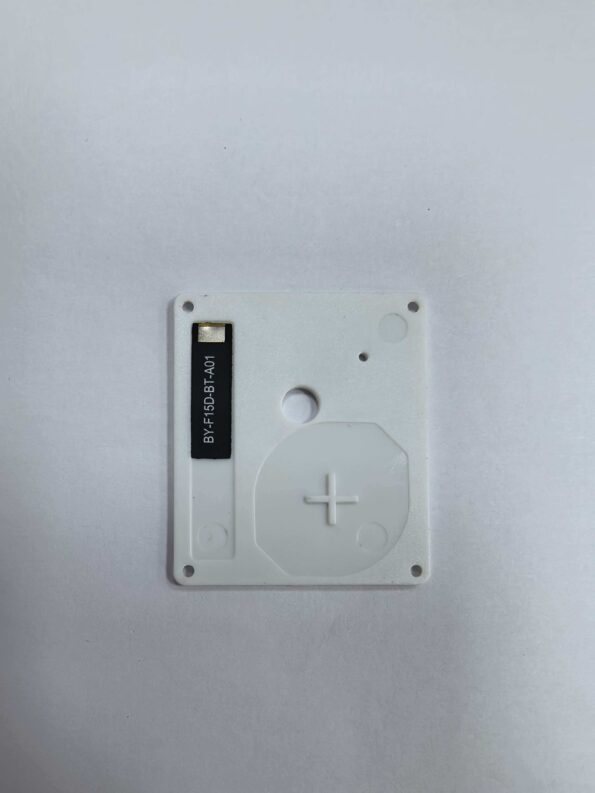
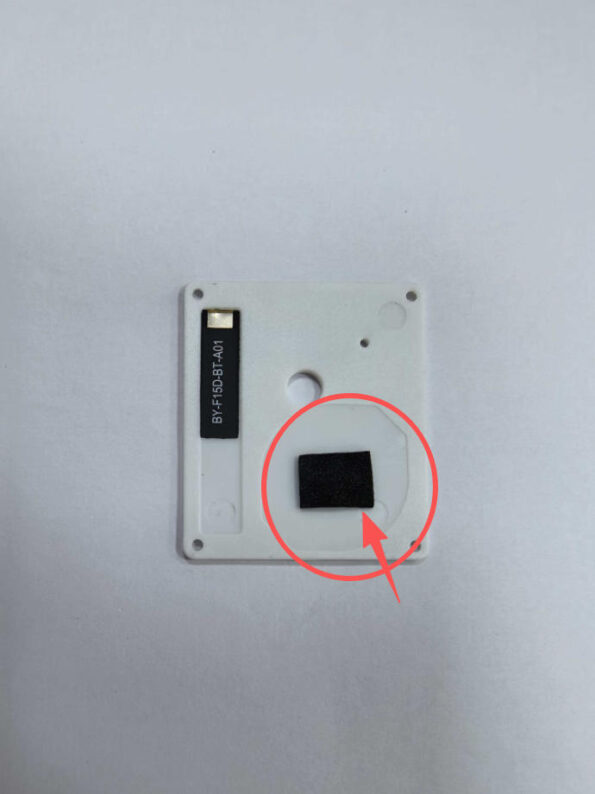
3、Put the back cover back on and tighten the screws. It should then work normally.